

General concepts
Any mobile phone can connect to BLT200 via Bluetooth.The interface has two Bluetooth devices labeled A and B.
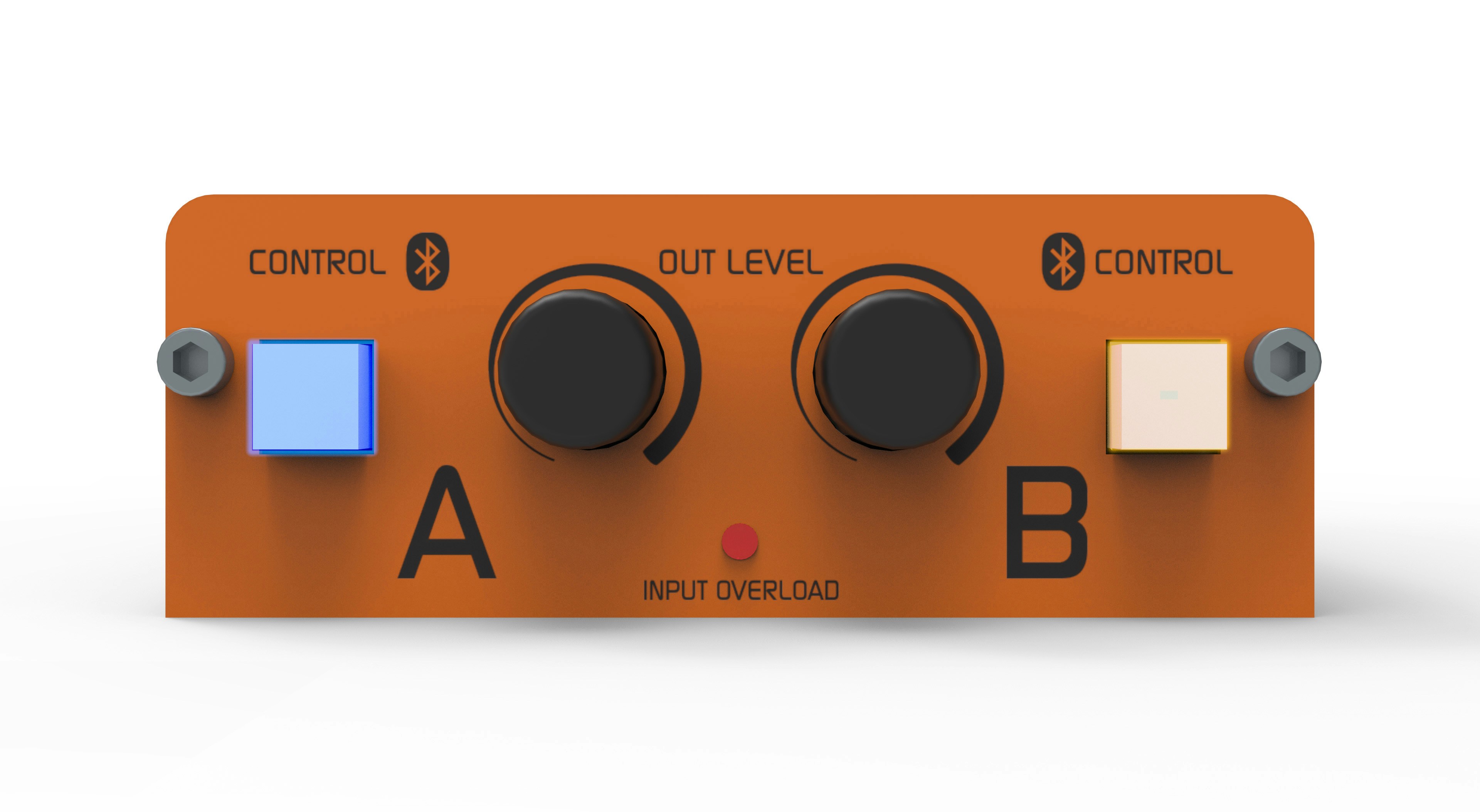
On the phone, Bluetooth volume should always be set to maximum for the best signal-to-noise ratio (see below). The CONTROL A and CONTROL B buttons are illuminated and flash at different patterns depending on the Bluetooth status.
CONTROL button lighting modes
Do not confuse these three actions:
- Enable/disable Bluetooth on mobile: enables or disables the phone’s Bluetooth system.
- Pairing: the mobile detects and registers an external device for the first time (e.g.: headphones, hands-free, BLT200 channel A or B).
- Connect/disconnect: the mobile connects to an already paired device. This action does not require re-pairing.
When Bluetooth is enabled on the mobile, it can easily connect or disconnect from paired devices through the registered devices list.
Devices not previously paired will not appear in that list.
Pairing a mobile with BLT200
To pair a Bluetooth channel with a mobile, follow these steps:1
Turn off Bluetooth on BLT200
Verify that the channel you want to pair (A or B) is off.
If the CONTROL button is flashing, press and hold until it turns off.
If the CONTROL button is flashing, press and hold until it turns off.
2
Activate pairing mode
From Bluetooth off, press and hold the CONTROL button for about 8 seconds.
The light will change from slow to fast yellow flashing.
This indicates the channel has entered Pairing mode.
The light will change from slow to fast yellow flashing.
This indicates the channel has entered Pairing mode.
3
Search for devices from mobile
On the phone, enable Bluetooth and search for new devices.
This procedure may vary depending on the mobile model.
This procedure may vary depending on the mobile model.
4
Select the device
Solidyne BLT-A and Solidyne BLT-B will appear.
Select the corresponding one according to the channel to be used.
Select the corresponding one according to the channel to be used.
The pairing is maintained while using the same mobile on that channel.
To pair another mobile or the same one on the other channel, repeat the procedure.
Distance to mobile
Although the range is up to 3 meters, it’s recommended to keep the phone close to the interface, but never placed directly on top of the BLT200.Re-connecting a previously paired mobile
A previously paired mobile can disconnect from BLT200 in several situations:- If Bluetooth is turned off on the mobile.
This normally transfers the ongoing call to the phone.
When turning Bluetooth back on, reconnection can be automatic or manual depending on the model. - If during a call the Bluetooth channel is disconnected on the phone.
The call transfers to the phone.
Upon reconnecting, it returns to BLT200. - If “Speaker” mode is activated on the phone.
This removes the call from BLT200 and transfers it to the phone.
When reactivating Bluetooth, the call returns to BLT200. - If the Bluetooth channel is turned off on BLT200.
Volume adjustment
The adjustment must be made during an established Bluetooth call.The phone’s speaker volume is independent of Bluetooth volume: if adjusted outside a call, it only modifies the speaker, not the Bluetooth transmission. The Bluetooth level is stored in the phone.
If a new mobile is paired, make sure to readjust the volume to maximum.