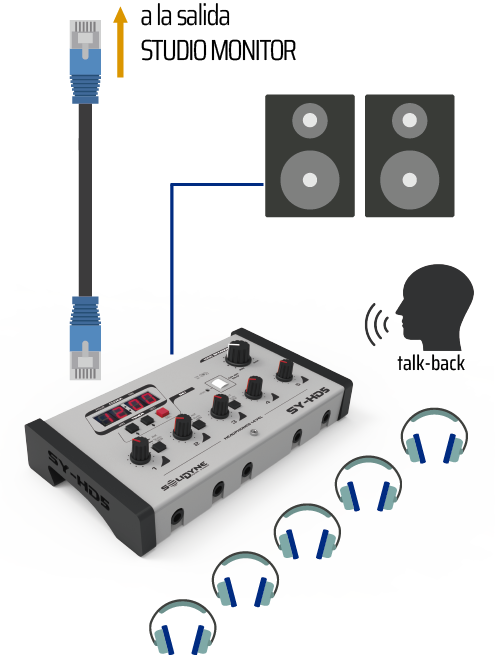
- HD5: 5 headphone outputs with independent volume controls
- HD3: 3 headphone outputs
- Dual listening channel
- Monitor Output for powered speakers, with a comfortable level knob at the panel.
- ON AIR tally light
- Reverse talk-back from Studio to Control Room
- Timer/Clock (HD5 only)
StudioBox Connection
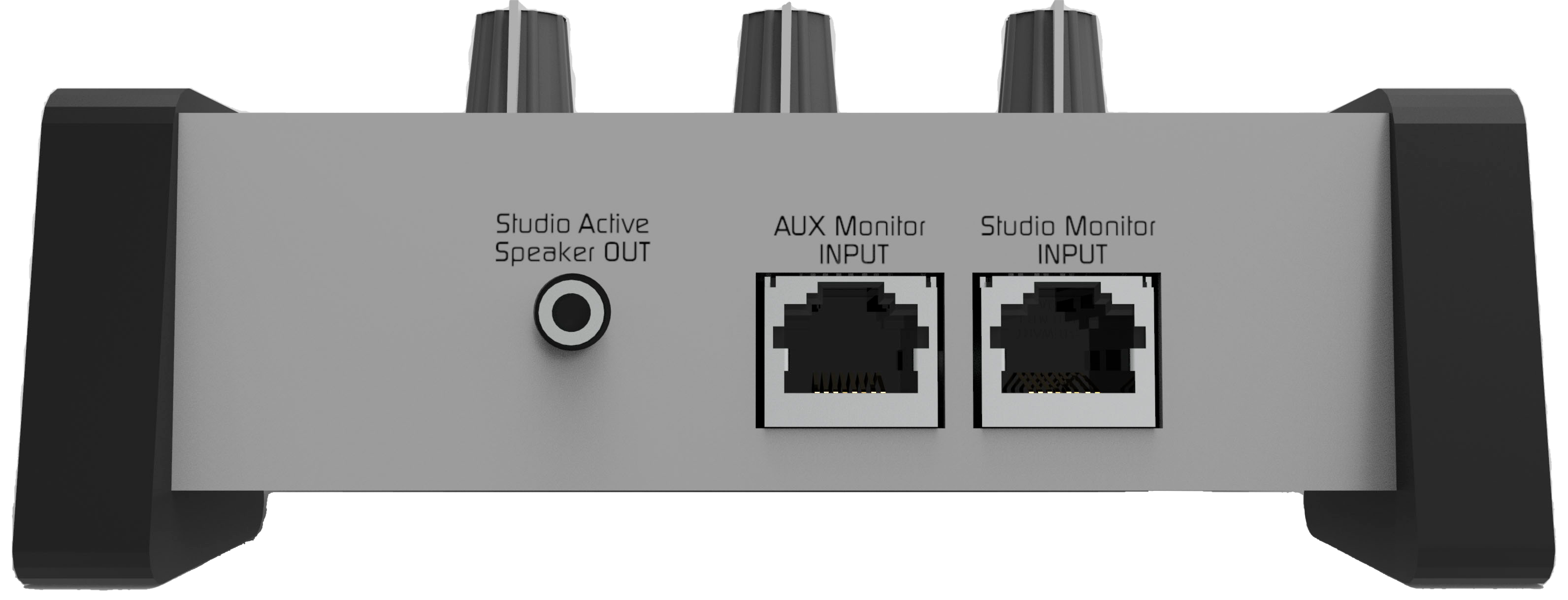
HD3 and HD5 connect to the Studio Monitor connector located on the console’s rear panel, using a single shielded CAT-5 RJ45-RJ45 multicore cable (5 meters cable included with StudioBox).The STUDIO MONITOR output on UNIDEX is not StudioHub compatible. Do not connect using RJ45 cables designed for other audio outputs. If you don’t have a Solidyne StudioBox device, use the factory supplied studio patch cord to connect headphones and speakers to the STUDIO MONITOR output.
- Sends headphones and monitor speakers signals.
- Receives reverse talkback signal from the studio.
StudioBox Outputs
- Monitor speakers
TRS 1/8” stereo connector (minijack).
This is a line level output, requiring powered speakers in the studio. - Headphones
TRS 1/4” stereo connectors (jack) located on the front panel.
Compatible with 16, 32 and 64 Ω headphones.
On HD3 models, headphone outputs 2 and 3 are twins: they share level control and source assignment.
Auxiliary Input
Allows an alternative monitoring source, different from the signal assigned in the console’s STUDIO MONITOR section (ON-AIR, PGM, AUD, SEND or CUE).- Input switching:
- Input A: console signal
- Input B: auxiliary signal
- HD5 Model: A/B switching is independent for headphones 1, 2 and 3. Headphones 4 and 5 always receive the Studio Monitor signal assigned at the console.
- HD3 Model: headphones 2 and 3 share the assignment.
It can connect to any RJ45 audio output (balanced or unbalanced) using a standard STP RJ45-RJ45 pin-to-pin cable.
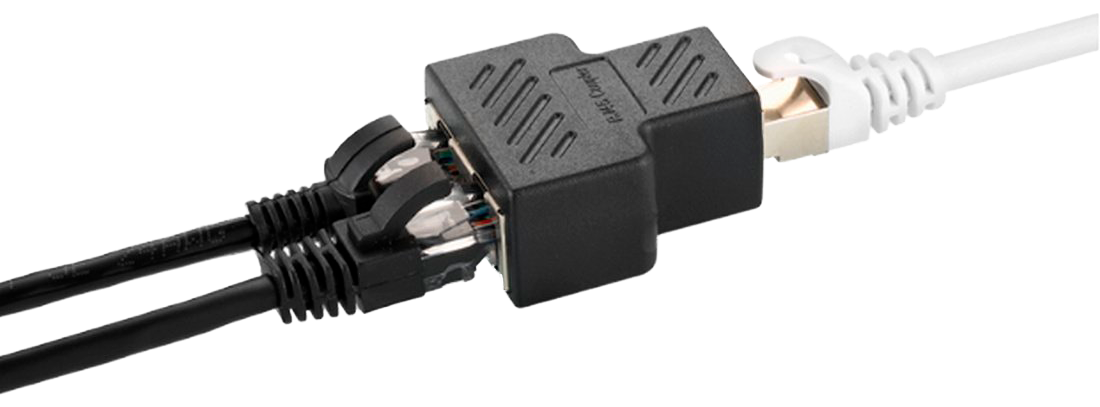
Multiple StudioBox Connection
Multiple StudioBox units can be connected in parallel. The UNIDEX console supports up to:- 3 HD3 units, or
- 2 HD5 units