

Firmware Update
The console software can be updated from the WEB interface using a computer with Internet access. Updates may include:- Mixing engine firmware (hardware).
- Graphical interface.
- Streaming tools.
Update Procedure
1. Network Connection
- Connect the console’s “Streaming Out” and “Remote Control” Ethernet ports to the local network.
- Verify that the network has Internet access.
- On the main screen (VU meters), verify the IP address assigned to the streaming stage.
Solidyne Multi-DiscoveryIf there is no physical access to the console, you can download the Multi-Discovery tool to detect Solidyne devices connected to the network.
2. Accessing the Update Screen
From a computer connected to the same network:- Open a web browser.
- Enter the console’s IP address.
- The update screen will open.
- In the left menu, select UPDATE.
- The update screen will load in the right panel.
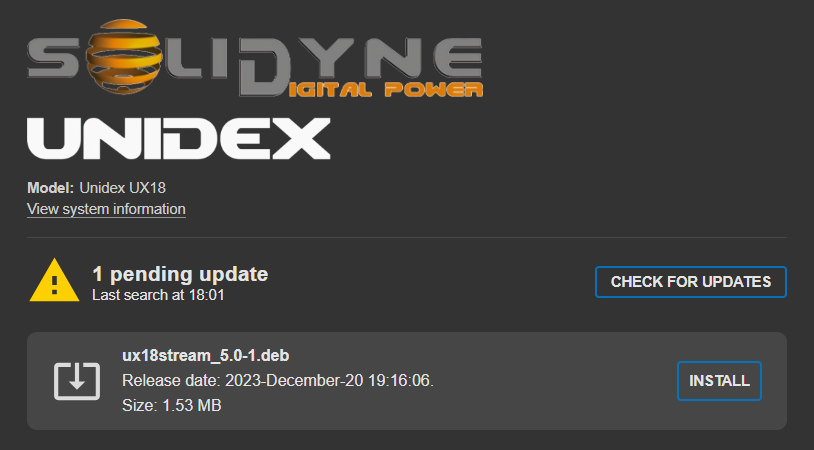
- Click CHECK FOR UPDATES.
- If updates are available, a list with details will be displayed.
- The INSTALL option starts the update process.
Depending on the type of update, the unit may restart, INTERRUPTING the on-air signal for a few seconds.