

Monitor outputs
Headphones
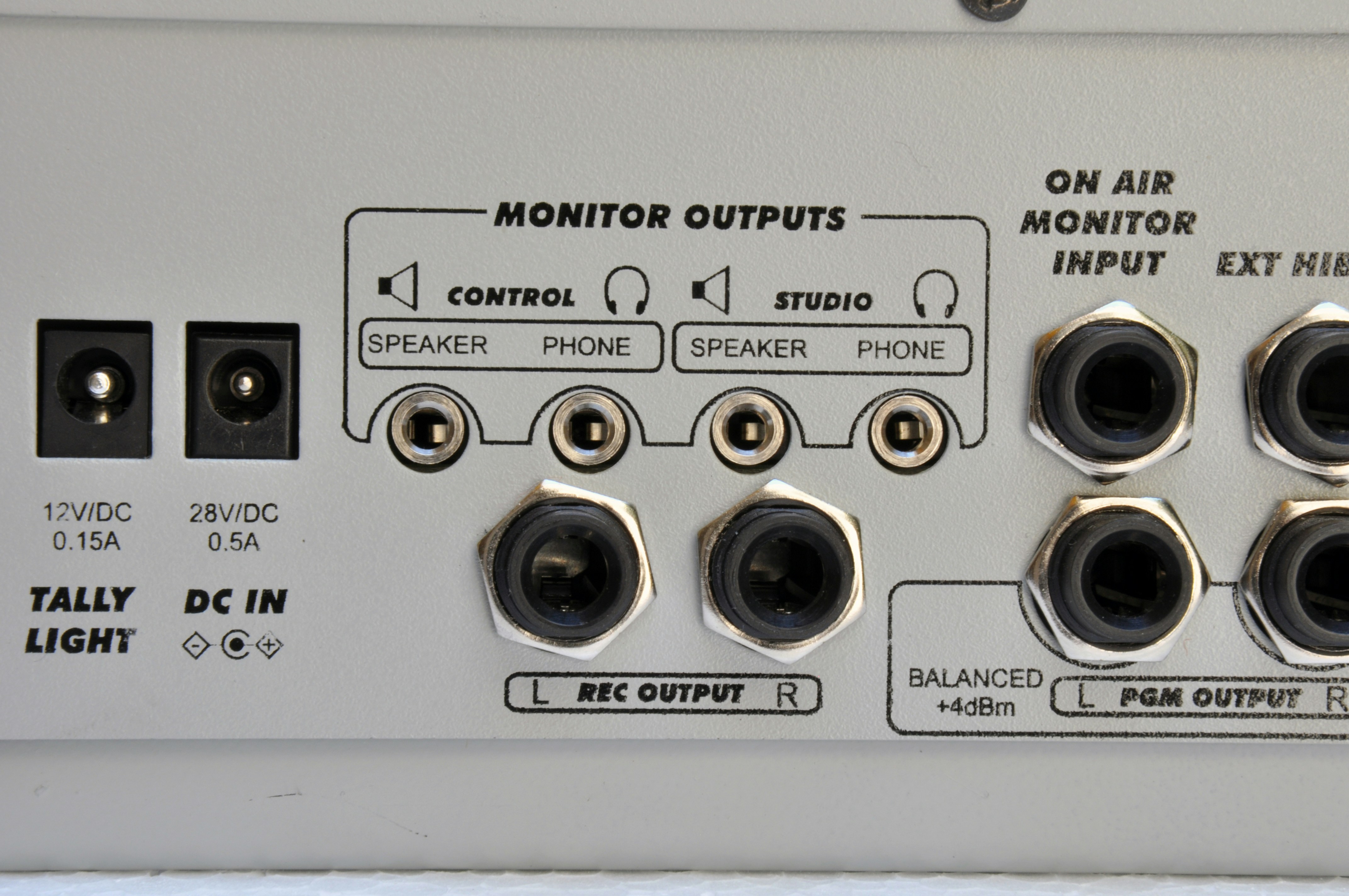
The D612 features:- A studio headphone output.
- A control room headphone output.
The console is designed to work with active speakers and a headphone distribution amplifier in the Studio (for example Solidyne StudioBox).
- An external distribution amplifier is not mandatory: the D612 includes one that supports up to 3 x 32Ω headphones in parallel.
- If using headphones with volume control, each announcer will have independent adjustment.
- Another solution is to mount a control on the desktop: a 1kΩ potentiometer will be sufficient to control the level. In this case, the console level control is left high.
Monitor speakers
The D612 is designed to work with active speakers.- The Studio and Control outputs operate at 0 dBu (0.775 Vrms).
- They have independent assignment and level controls.
- They use 1/8” female TRS (mini-jack) connectors.
- They include muting logic to prevent feedback between speakers and microphones.
The studio monitor output is muted when MIC-1 or MIC-2 channels are opened.The Control output is muted when Talkback is pressed.