

Fixed Line Connection
The hybrid channel handles two telephone lines:- A conventional landline (2-wire).
- A Bluetooth-linked mobile phone.
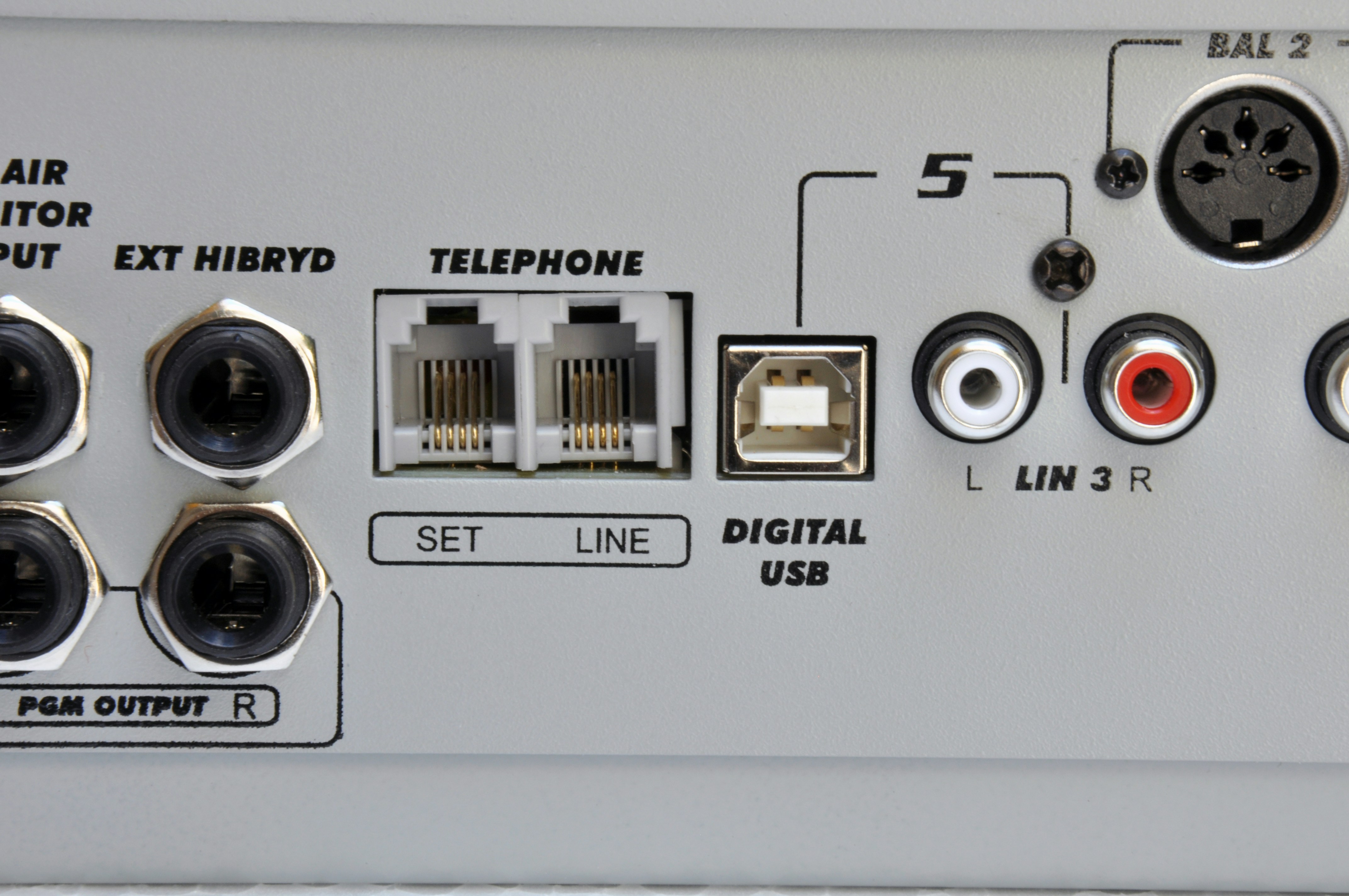
- One for the line.
- Another for the associated telephone.
Private PBXs may degrade hybrid rejection; using public lines is recommended whenever possible.
Protections
Lines are internally protected against high-voltage discharges (indirect lightning) using metal oxide varistors.External protection on the telephone line (gas discharge tubes and fuses) is essential.
Lightning damage is not covered by warranty.
Lightning damage is not covered by warranty.
Rejection Adjustment (Null)
This adjustment applies only to landlines. It is performed once during installation.Rejection prevents the transmitted signal from returning mixed with the remote speaker’s voice, improving local voice quality. Procedure:
- Establish a phone call through the hybrid.
- Have an announcer speak through the microphone to the person on the line.
- Adjust the line level (Telephone Control knob) until the PGM VU-meter reaches the red zone.
- While listening to the local voice in PGM, turn the NULL preset until achieving identical quality to that perceived with Telephone Control closed.
A practical method: turn NULL to both extremes, listen to the deterioration and locate the midpoint where sound is optimal (no or very little coloration). - Repeat adjustment if changing telephone lines.
Mobile Phones (Bluetooth)
Any Bluetooth-enabled phone can be paired with the D612. Once paired, connection occurs automatically when Bluetooth is active on both devices. Range: up to 10 m (keeping the phone near the console is recommended, though not directly on top).Pairing Procedure
-
On the console: verify the Bluetooth LED is off (LED is located on the VU-meter panel).
- If it’s on (slow green flash, 1 every 2 s), turn it off by holding the Bluetooth button in the Hybrid section.
-
With Bluetooth off, hold the Cellular Phone Bluetooth button for about 10 s until LEDs flash alternately green/red. The console enters search mode.
Note that Bluetooth first turns on in normal mode with slow flashing. Don’t release the button until rapid flashing begins.
- On the phone: search for Bluetooth devices (procedure depends on model).
-
Select the Solidyne BTM641 device (or BTM751 on very old units).
- If prompted for a code, enter 0000.
- Devices are now paired. The LED remains green with slow flash (1 every 2 s), indicating active Bluetooth.
Reconnecting a Paired Device
- Turn on Bluetooth on the D612 by holding Cellular Phone Bluetooth until the green LED lights (≈5 s).
The green LED continues slow flashing. - Activate Bluetooth on the phone.
When the connection notice appears, the console is ready.
On some phones, reconnection isn’t automatic. You’ll need to manually select Solidyne BTM641 from the Bluetooth devices list.
Volume Adjustment
- This adjustment is independent of the phone’s speaker volume.
- Adjusting volume without Bluetooth pairing only changes the mobile’s speaker volume.
- The phone remembers the last Bluetooth level setting.
- If changing phones, repeat the adjustment.
Turning Off Bluetooth on the Console
Hold Cellular Phone Bluetooth until the LED turns off completely.External Hybrid
The D612 provides a connector for send and return to an external telephone hybrid.- 6.35 mm jack (TRS): combines input and output.

- Tip: MIX-MINUS send (program, without telephone line audio). This signal connects to the external hybrid input.
- Ring: return from external hybrid (line audio). Connects to hybrid output. In the console, it’s summed to PGM output via the internal hybrid channel.