

Front Panel Control
Essential aspects of the 542APC can be configured directly from the front panel.The unit features an OLED display and a push-to-select control wheel.
- Turn the wheel to navigate options.
- Press the wheel to access screen options.
- Turn again to navigate options within that screen.
- To modify an option:
- Press the wheel on the option.
- Turn to change its value or state.
- Press again to confirm.
- To exit, select BACK and confirm.
Home Screen and Presets
- At startup, the home screen appears briefly showing the firmware version.
-
Then it displays the IP address, MAC, and current processing preset.
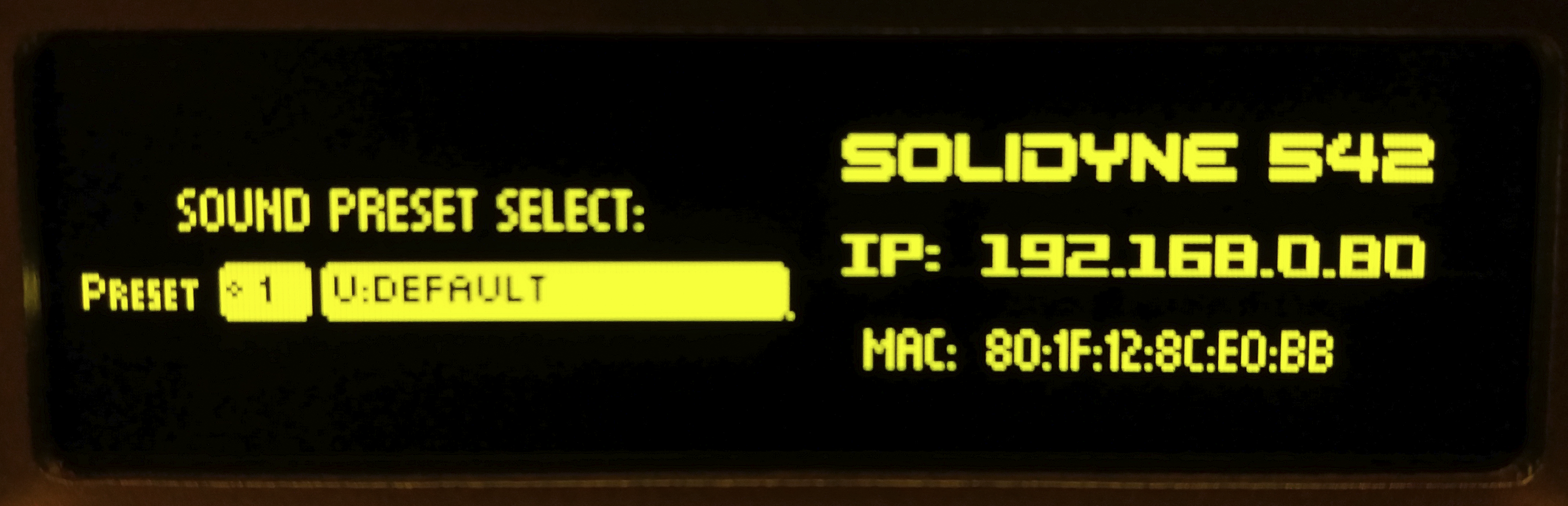
- Press the wheel.
- Turn to navigate between 32 presets (16 factory + 16 user).
- Press the wheel to confirm.
Lock Screen (LOCK)
The LOCK screen is accessed by turning the wheel from the home screen.It enables/disables password-protected access.
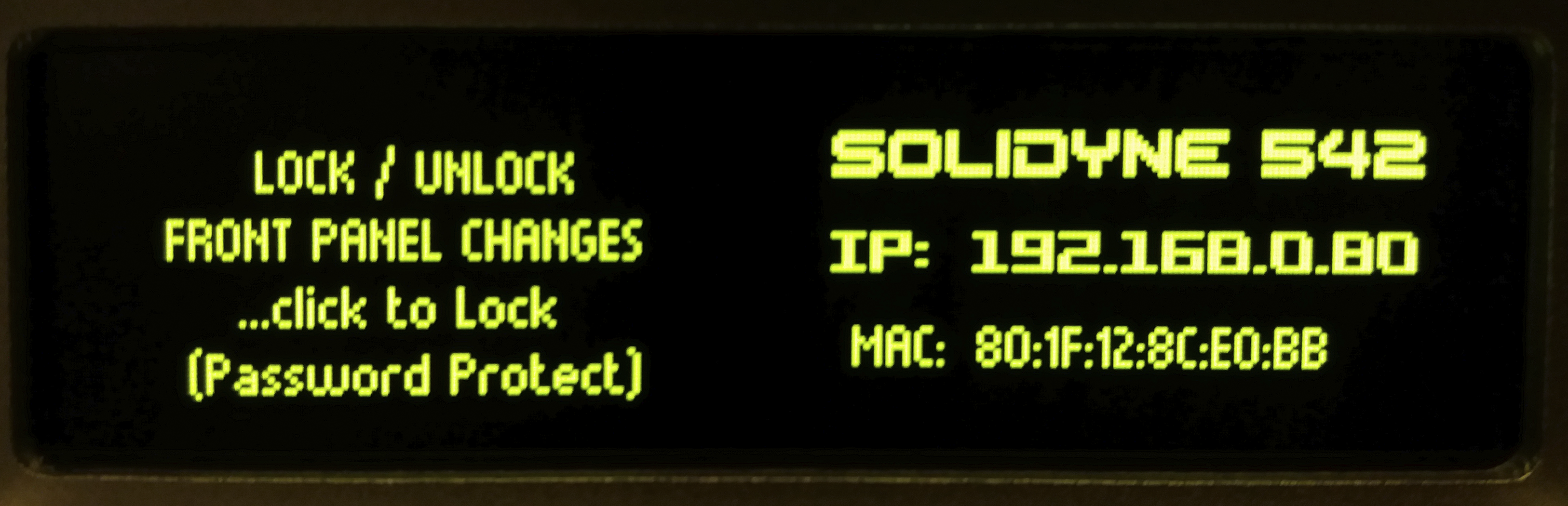
- To lock, select LOCK and press.
- To unlock, press LOCK again.
- If password is active, it will be requested (default:
1234).
- If password is active, it will be requested (default:
When the unit is locked, screens can be browsed but options cannot be modified.
Inputs Screen (INPUTS)
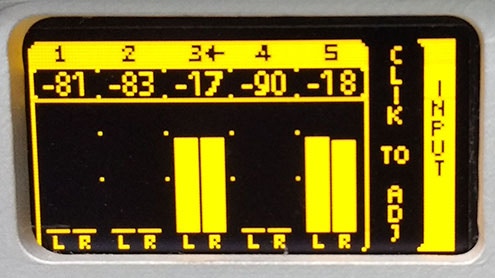
Shows signal level for all inputs.The active input is indicated by a small arrow to the right of the input number.
Factory default: XLR Analog.
Changing the Input (from front panel)
- Turn the wheel until INPUT is displayed.
- Press the wheel to change the active input.
- Turn to select the input (example:
2:ANALOG2). - Press to confirm.
- The active input is indicated with an arrow.
- Gain adjustment is done from SETUP.
Outputs Monitor
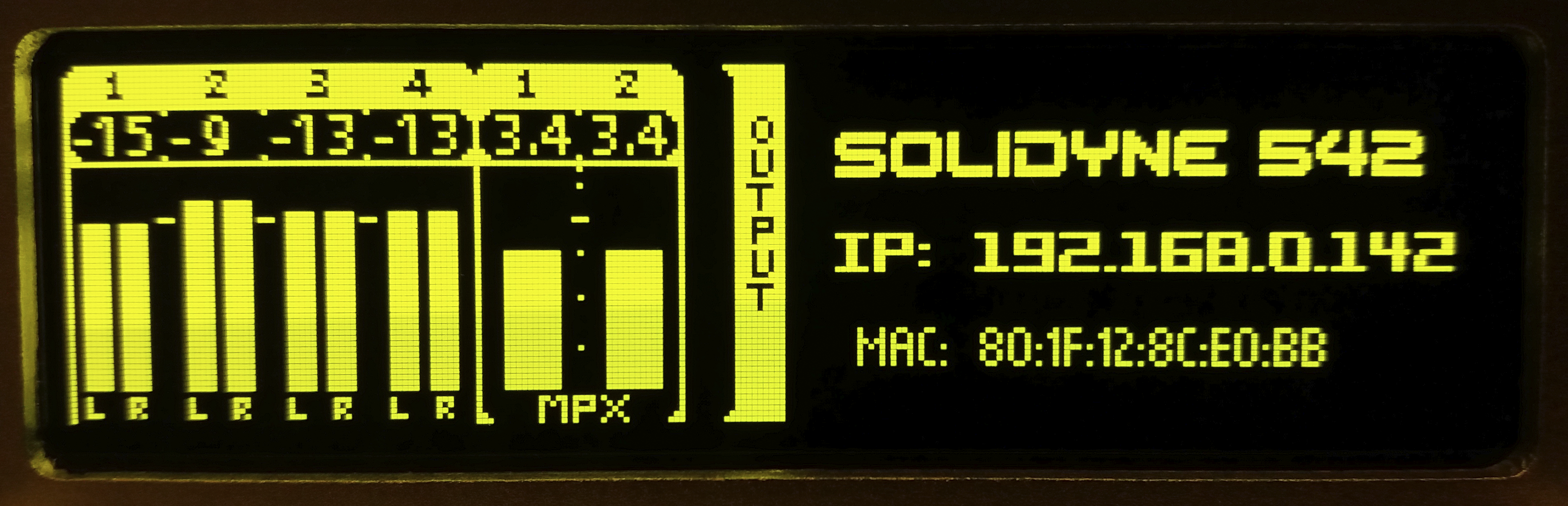
Shows signal level for each output.Level adjustment is done from the SETUP menu, following a similar procedure to inputs.
Processing Monitor
Shows internal processors action.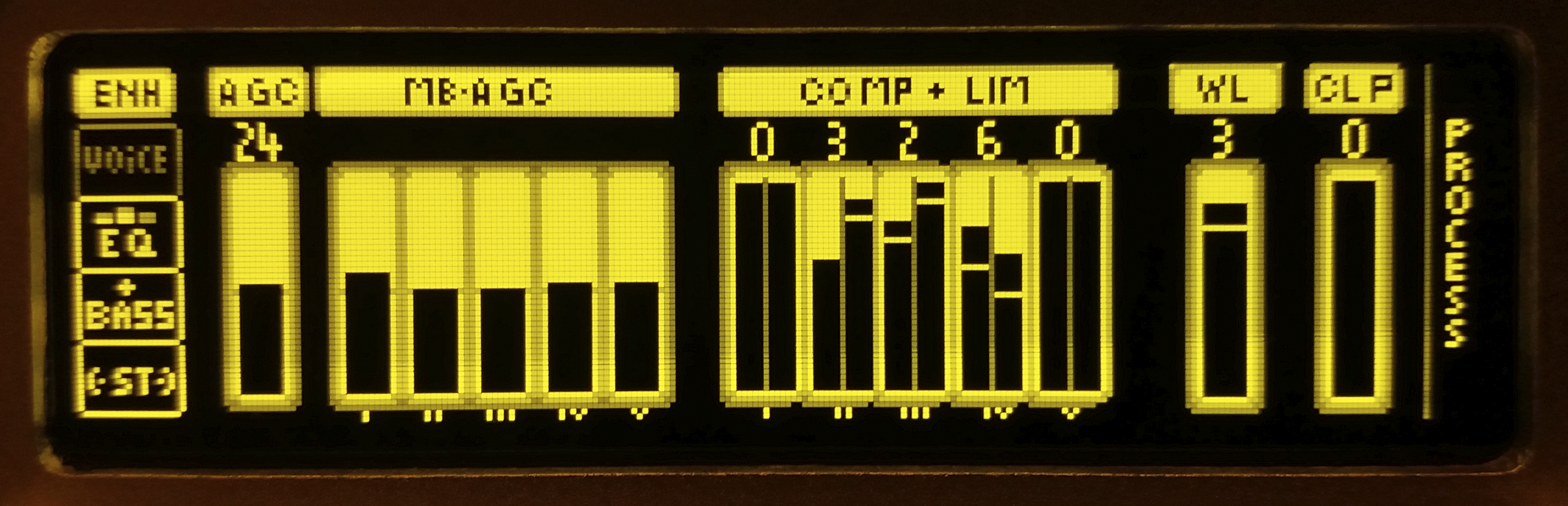
- Full-band and multiband AGC
- Multiband compressors and limiters
- Wideband limiter
- Final clipper
Processing parameters can only be adjusted from the web control panels.
Headphones
Allows adjustment of headphone level.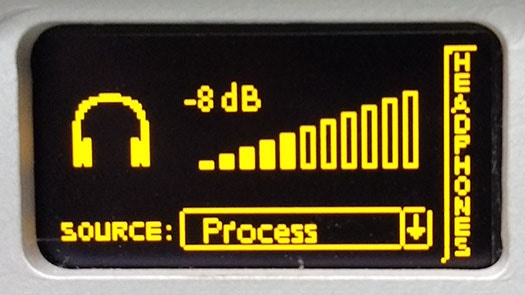
- Turn the wheel to directly modify volume.
a) Analog or digital inputs
b) Internal FM tuner
c) AGC output
d) Final processed audio (with de-emphasis) To change the source:
- Press the wheel.
- Turn to select the source.
- Press to confirm.
- Press and hold the wheel until a popup menu with options appears.
System Setup (SETUP)
Main unit configurations can be edited from the front panel.-
Turn the wheel until SETUP MENU appears.
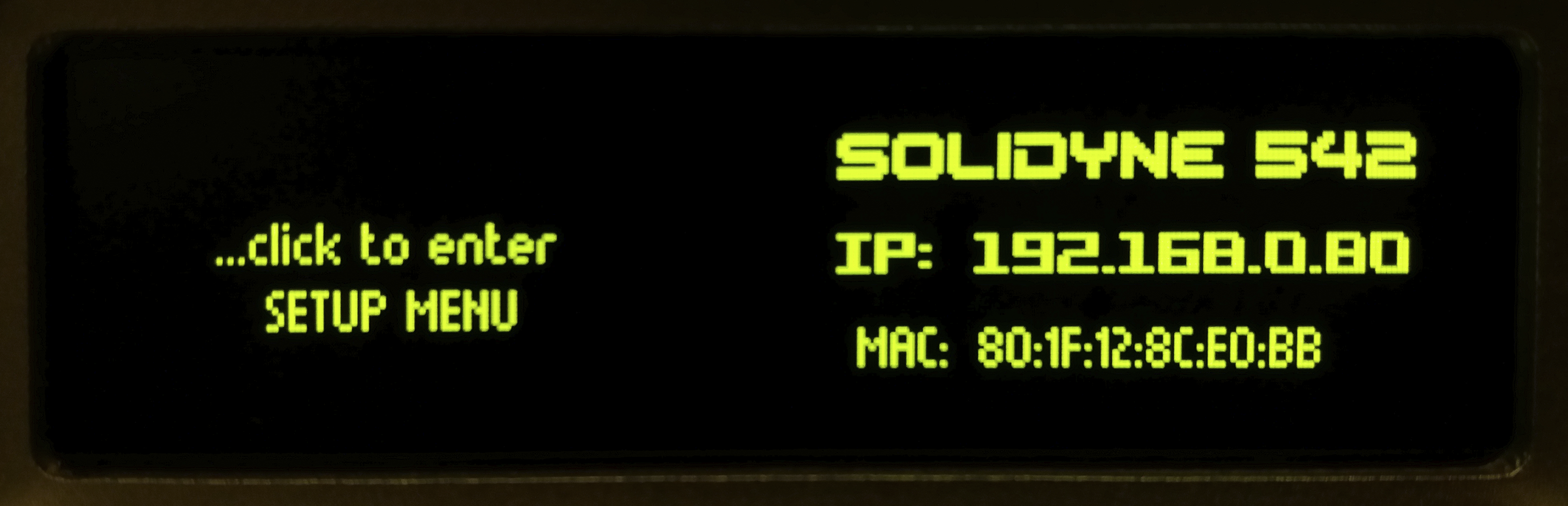
-
Press to view options.
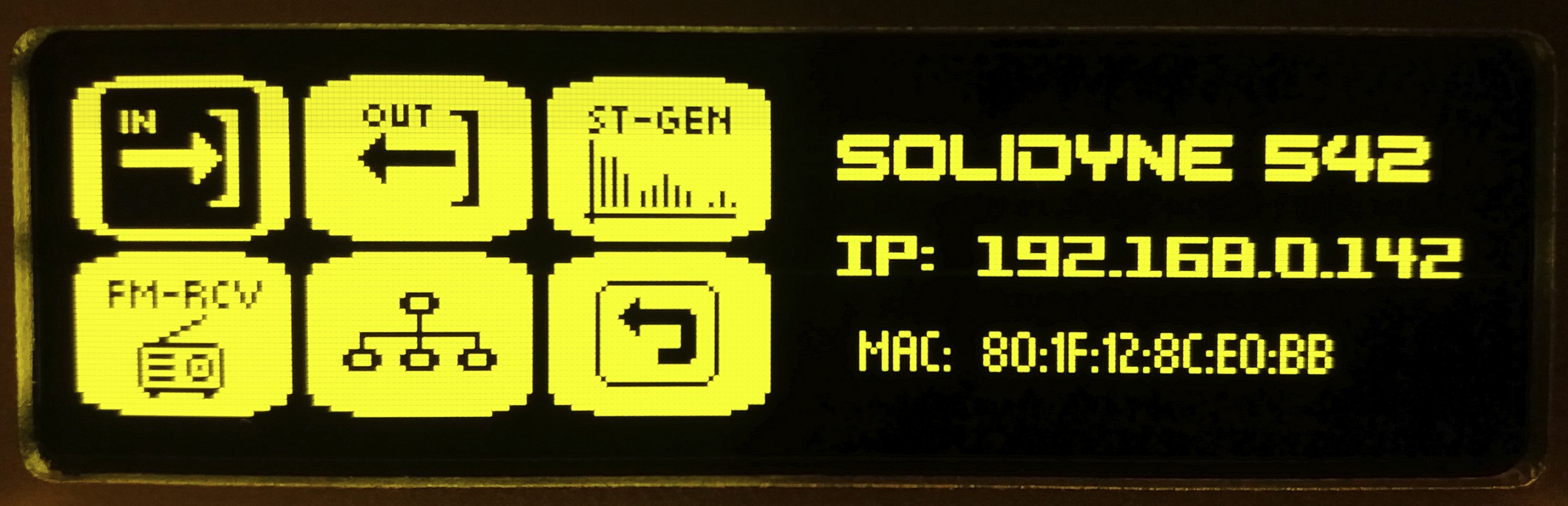
Input Setup
-
INPUT SEL: selects active input. -
GAIN: adjusts active input gain within ±14 dB range.- +4 dBu level equals –18 dBfs (AES K18), with 18 dB headroom.
- Adjust gain so 0 VU peaks at console fall between –22 and –9 dBfs on processor meter.
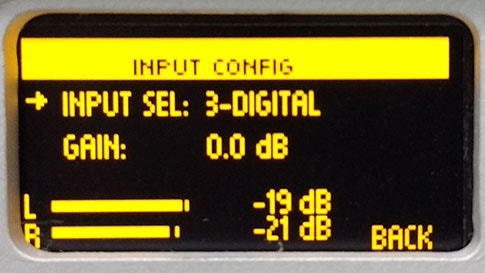
- Turn wheel, select
INand press. - (Optional) To change input, turn wheel, select
INPUT SELand press. Turn until desired input appears and press to confirm. - Select
GAINand press. - Turn to adjust gain.
- Press to confirm.
- Select BACK to exit.
- Turn to BACK in SETUP menu to finish.
- Changes are saved automatically.
Outputs Setup
OUTPUT ADJ: allows selecting an output.GAIN: adjusts selected output level, following similar procedure as inputs.
Stereo Generator
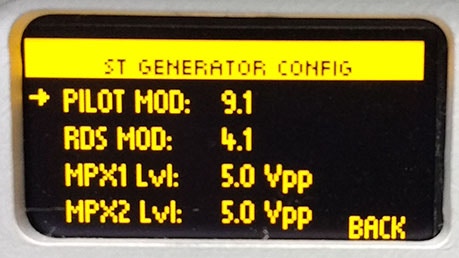
- ST pilot subcarrier level
- RDS subcarrier level
- MPX-1 and MPX-2 levels (peak-to-peak volts)
FM Receiver
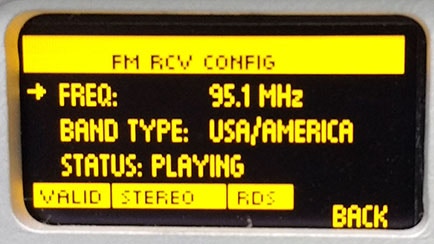
- FM band type
- Frequency to tune
Ethernet Setup
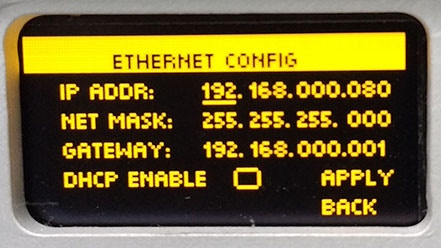
Factory default: DHCP enabled.
Assigned IP is shown on home screen.
FM Monitor
The internal tuner allows analyzing transmission parameters. Available screens:- FM MONITOR
- FM MODULATION MONITOR
- RDS ANALYZER